Can I Run Reus?
Detecting...
Checking your PC
How does your hardware run it?
Detecting your hardware...
System Requirements
| Component | Minimum | Recommended | Your PC |
|---|---|---|---|
| GPU | DirectX10(R) compatible card with 512MB of memory | DirectX10(R) compatible card with 1024MB of memory | Detecting... |
| CPU | Intel® Core 2 Duo or AMD Phenom processor | Intel® Core i5 or AMD Phenom II | Detecting... |
| RAM | 2 GB | 4 GB | Detecting... |
| Storage | 0.488281 GB | 0.488281 GB | — |
| DirectX | — | — | — |
About
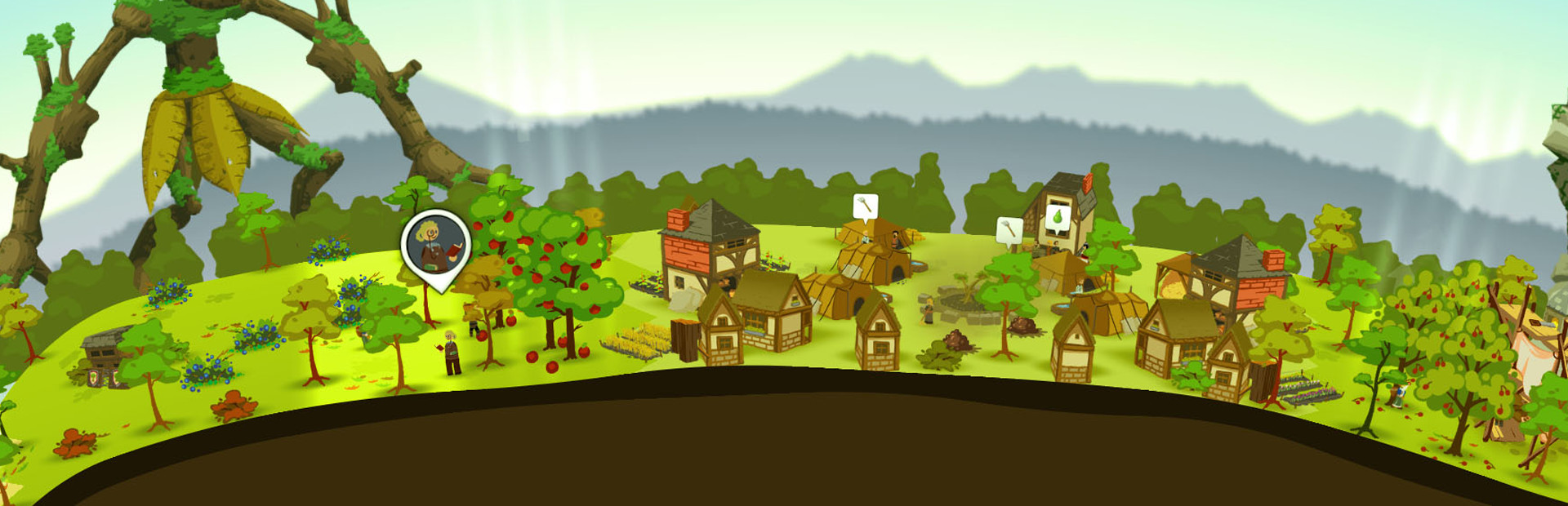
In Reus, you control powerful giants to shape the planet to your will. You can create mountains, oceans, forests and more. Enrich your planet with plants, minerals and animal life. There is only one thing on the planet that you do not control: mankind, with all their virtues and and all their vices.
Frequently Asked Questions
Can I run Reus on my PC?
To run Reus you need at least DirectX10 and 2GB RAM. For the best experience, DirectX10 with 4GB RAM is recommended. Use CanIRun.gg to check your PC instantly for free.
What are the minimum requirements for Reus?
Reus minimum requirements: GPU: DirectX10(R) compatible card with 512MB of memory, CPU: Intel® Core 2 Duo or AMD Phenom processor, RAM: 2 GB, Storage: 0.488281 GB.
What are the recommended specs for Reus?
Reus recommended specs: GPU: DirectX10(R) compatible card with 1024MB of memory, CPU: Intel® Core i5 or AMD Phenom II, RAM: 4 GB, Storage: 0.488281 GB.
How many GB is Reus?
Reus requires at least 0.488281 GB of free storage for installation. Make sure you have some extra headroom for patches and save files.
Can a GTX 1650 run Reus?
Yes — a GTX 1650 comfortably meets the minimum and even approaches the recommended GPU tier for Reus. Expect solid 1080p performance at medium settings.
Is Reus CPU or GPU intensive?
Reus is relatively CPU intensive compared to its GPU needs. Single-thread CPU performance and clock speed matter more than raw GPU power — make sure your processor meets the recommended spec.